
AI Crawlers Are Ignoring Your robots.txt. Here Is What That Costs You.

robots.txt has always been a request rather than a control. It is a text file in which you politely ask automated visitors to stay out of certain areas, and it works entirely on the honour system.
For twenty years the major search crawlers honoured it, so the distinction rarely mattered. Kinsta’s engineering team spent August writing about what happens now that a growing share of automated traffic does not — AI crawlers that ignore the file, follow dynamically generated URLs, and impose costs that never appear in a bandwidth report.
This is not a theoretical problem for large publishers. It lands on small business hosting bills.
What we measured on our own sites
We turned on first-party analytics across five brand sites and read the first two and a half days:
162 pageviews

  United States   64%
  Singapore       13%
  China            7%
  Australia        2%   ← four pageviews

98% of sessions were exactly ONE pageview
Every one of those businesses sells to companies in Sydney.
Four Australian pageviews is not an audience, and a 98% single-pageview rate is not human behaviour — people click a second thing eventually, even if it is the back button. That is what automated traffic looks like before anything filters it.
The number that should worry anyone making decisions from a dashboard: on one property, GA4 and Cloudflare Web Analytics disagreed by roughly 2.6×, because they apply different bot filters and neither shows you what it removed.
Where the cost actually lands
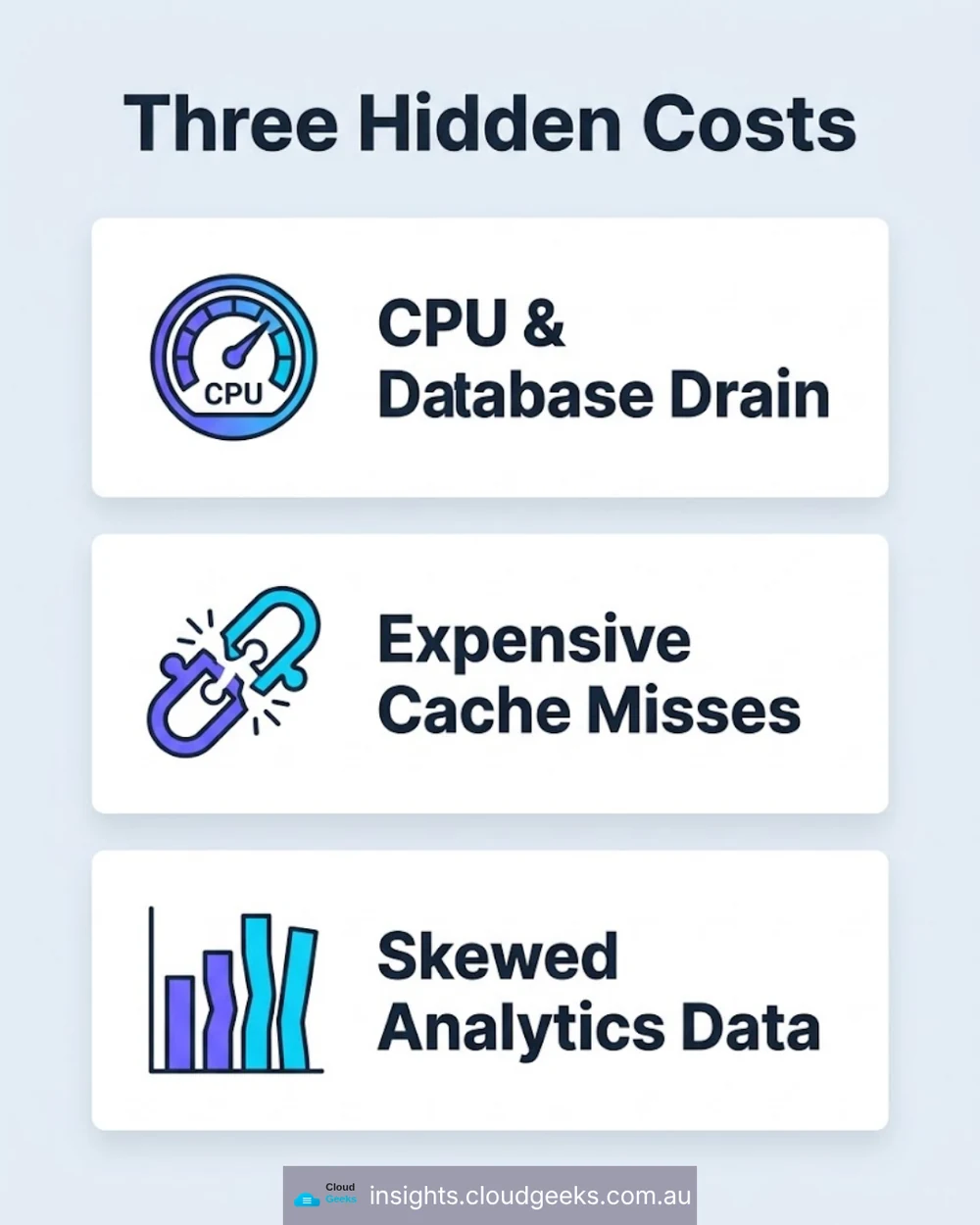
Bandwidth is the obvious cost and usually the smallest one. The expensive parts are less visible.
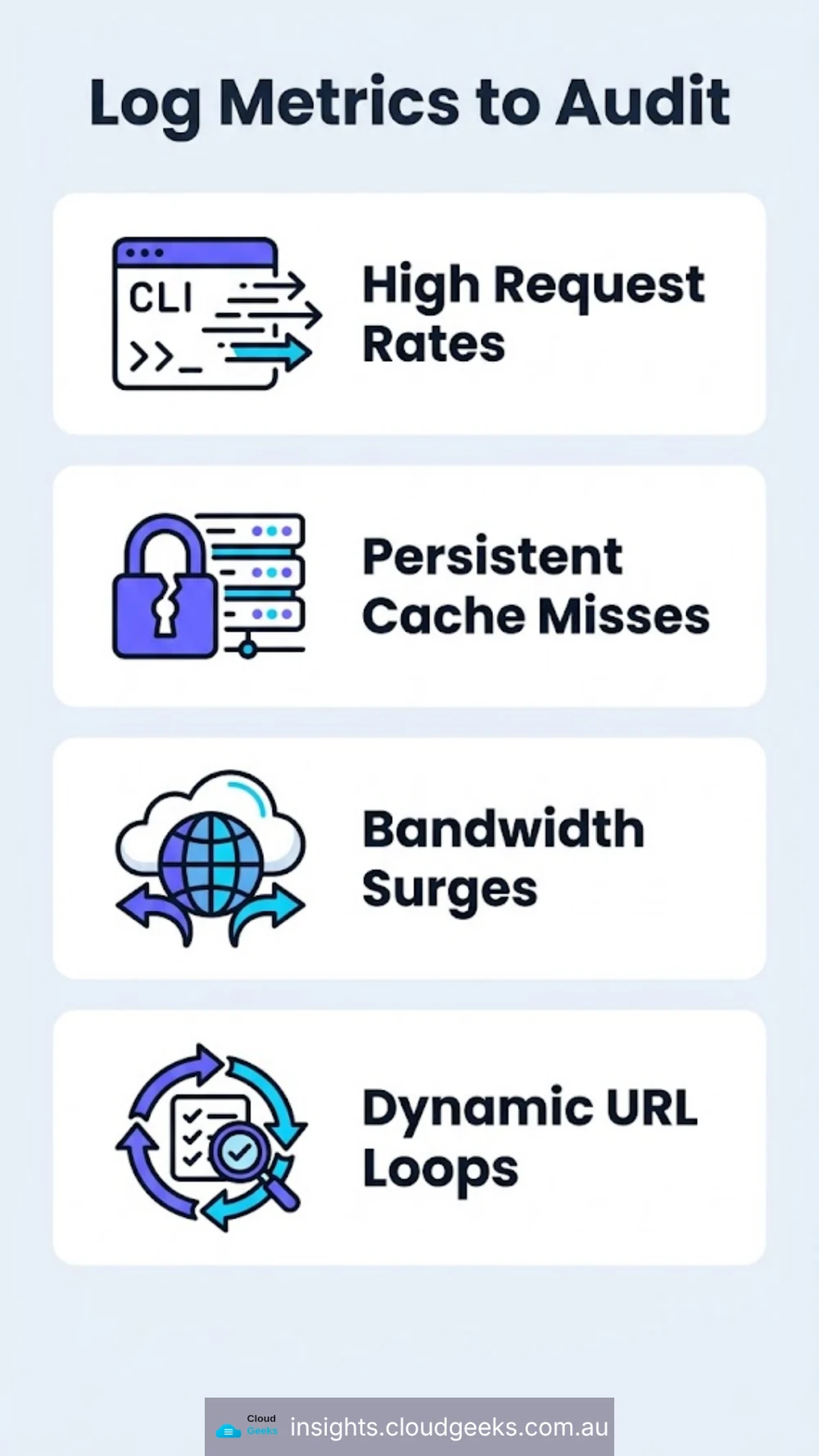
CPU and database, not just transfer. A crawler hitting a WordPress page it has never seen triggers PHP execution and database queries. A cached page is cheap; a cache miss is not. Crawlers that walk dynamically generated URLs — filters, search results, faceted archives — generate cache misses almost exclusively, because those URLs are unique and nobody warmed them.
Your hosting plan’s ceiling. Managed hosts price on visits or on compute. Traffic that has no chance of ever becoming a customer consumes the same allowance as traffic that might.
Real users’ page speed. Server resources spent on crawlers are not available to the person deciding whether to enquire. This is the cost that shows up as a Core Web Vitals regression nobody can explain.
Every decision made from the numbers. At the volumes a small business actually sees, a handful of crawler hits does not skew your view of which page is working — it becomes your view.
Why blocking is harder than it looks
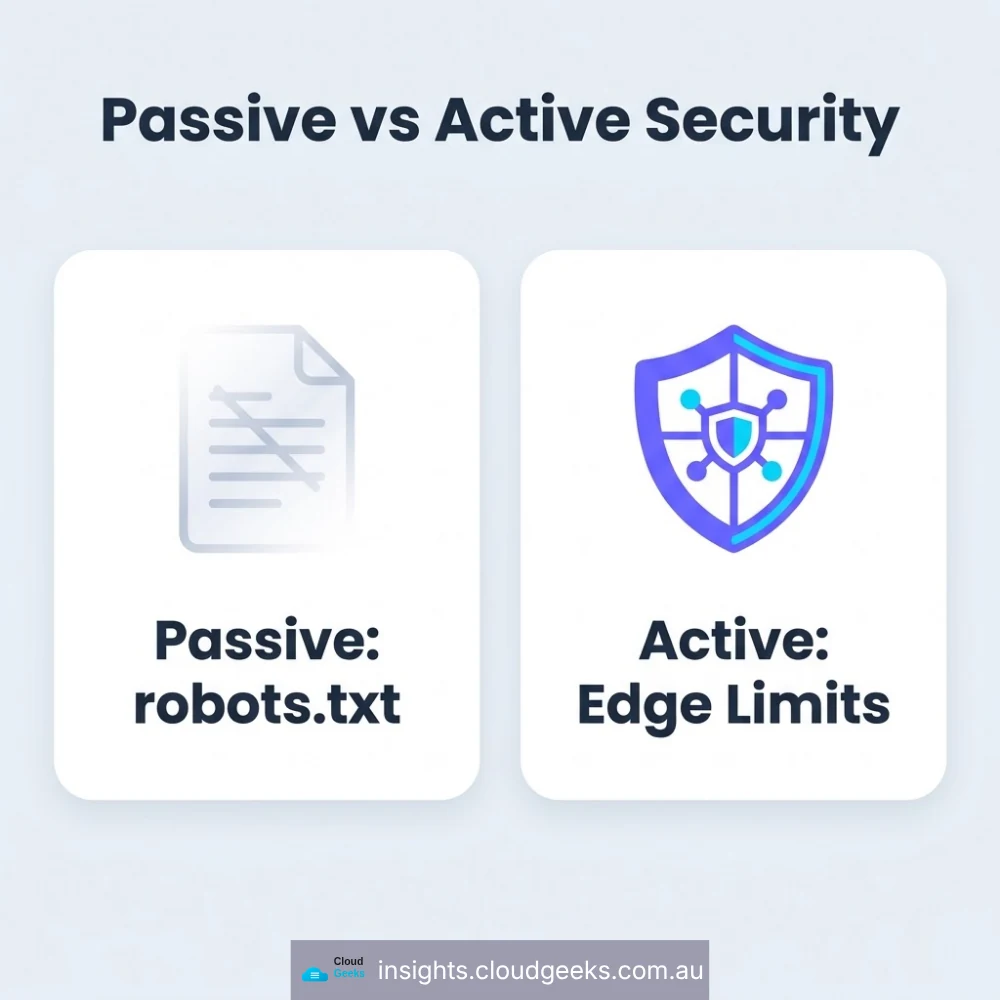
The instinctive fix is to block them, and it is only partly available.
robots.txt only stops crawlers that choose to obey it. Well-behaved commercial crawlers generally do. The ones causing the problem are, by definition, the ones that do not.
User-agent blocking works until the user agent changes, which is a configuration edit for whoever is running the crawler.
What actually holds:
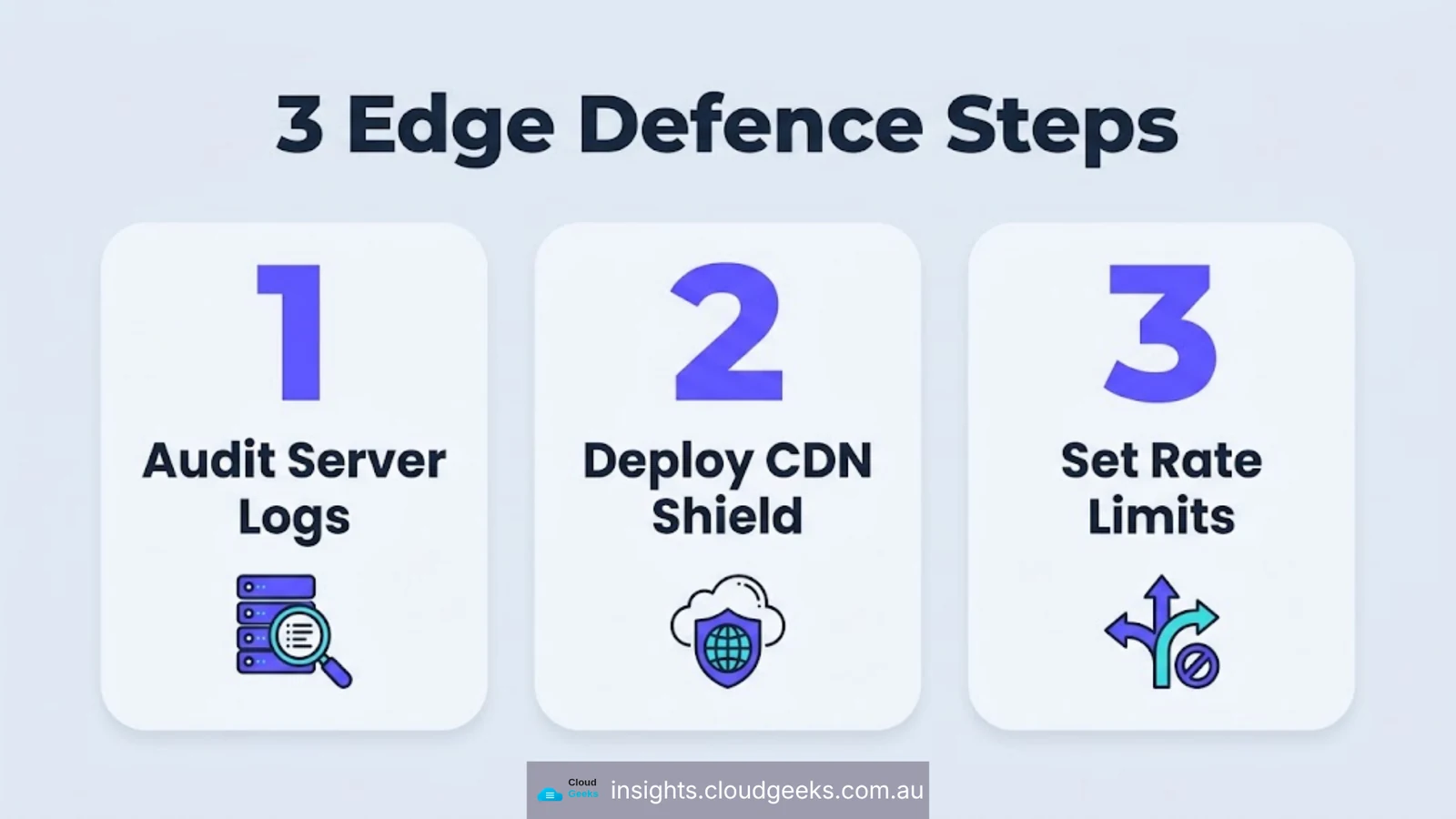
Rate limiting at the edge. A limit on requests per IP per minute is agnostic about who is asking and why. It does not care what the user agent claims.
Blocking by behaviour rather than identity. A visitor requesting two hundred unique URLs in ninety seconds with no static assets is not reading your site. That pattern is detectable without knowing who they are.
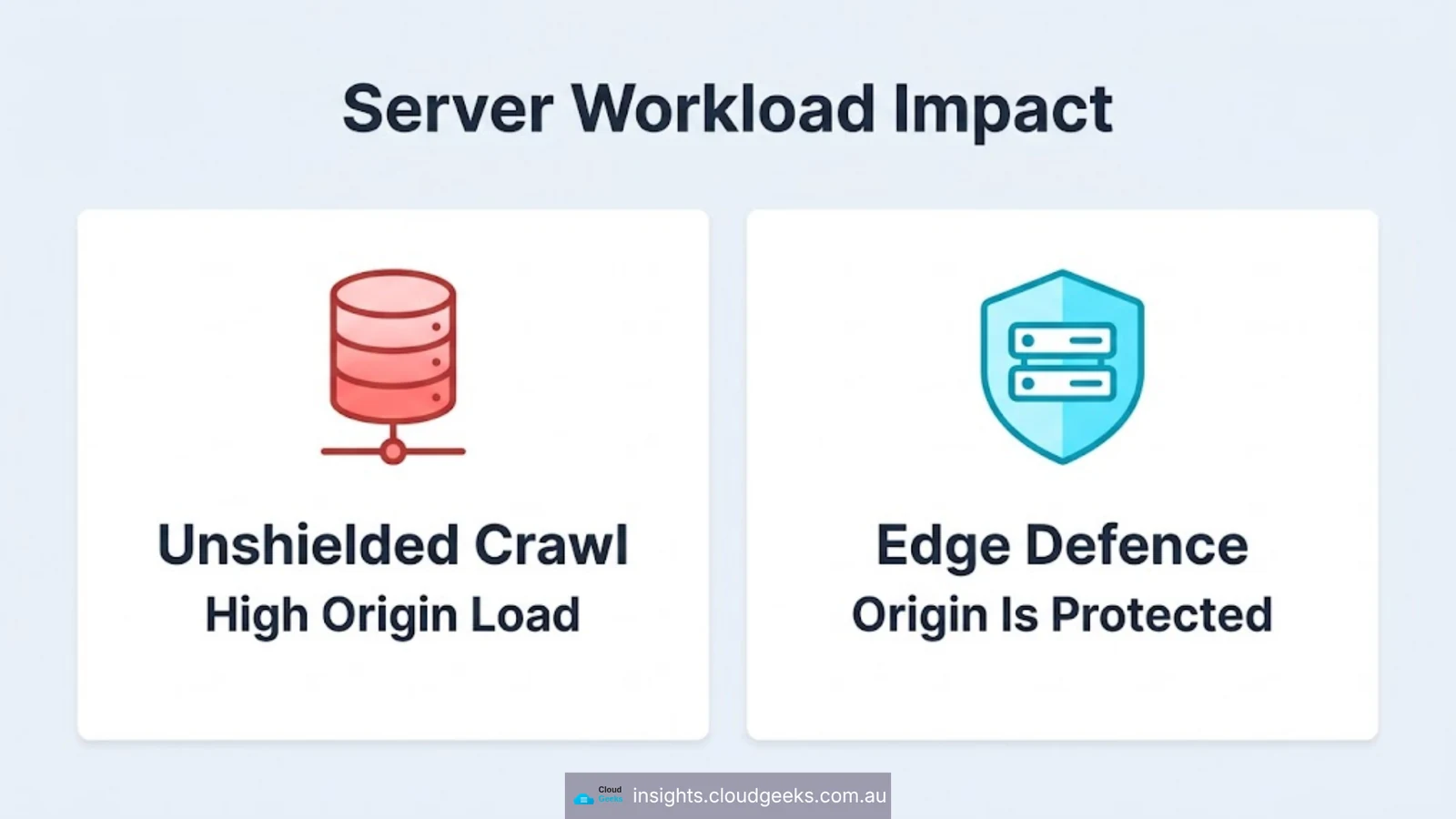
Caching aggressively, including for anonymous traffic. If a crawler’s request is served from cache, the cost collapses. Much of the damage from crawler traffic is really damage from uncached crawler traffic.
Not exposing infinite URL space. Faceted filters and search pages that generate unique URLs are a maze a crawler will happily walk forever. Blocking those paths in robots.txt helps with the polite crawlers, and noindex plus rate limiting handles the rest.
The decision nobody has consciously made
There is a strategic question sitting underneath the technical one, and it deserves a deliberate answer rather than a default.
Some of this traffic is AI systems reading your content to answer questions about your industry. Whether you want that depends on your business. A consultancy that wants to be cited in AI answers has a reason to permit it. A publisher whose revenue depends on people visiting the page does not.
What is not defensible is paying for the crawl, not knowing you are paying for it, and having no idea whether it produced anything.
What to do this month
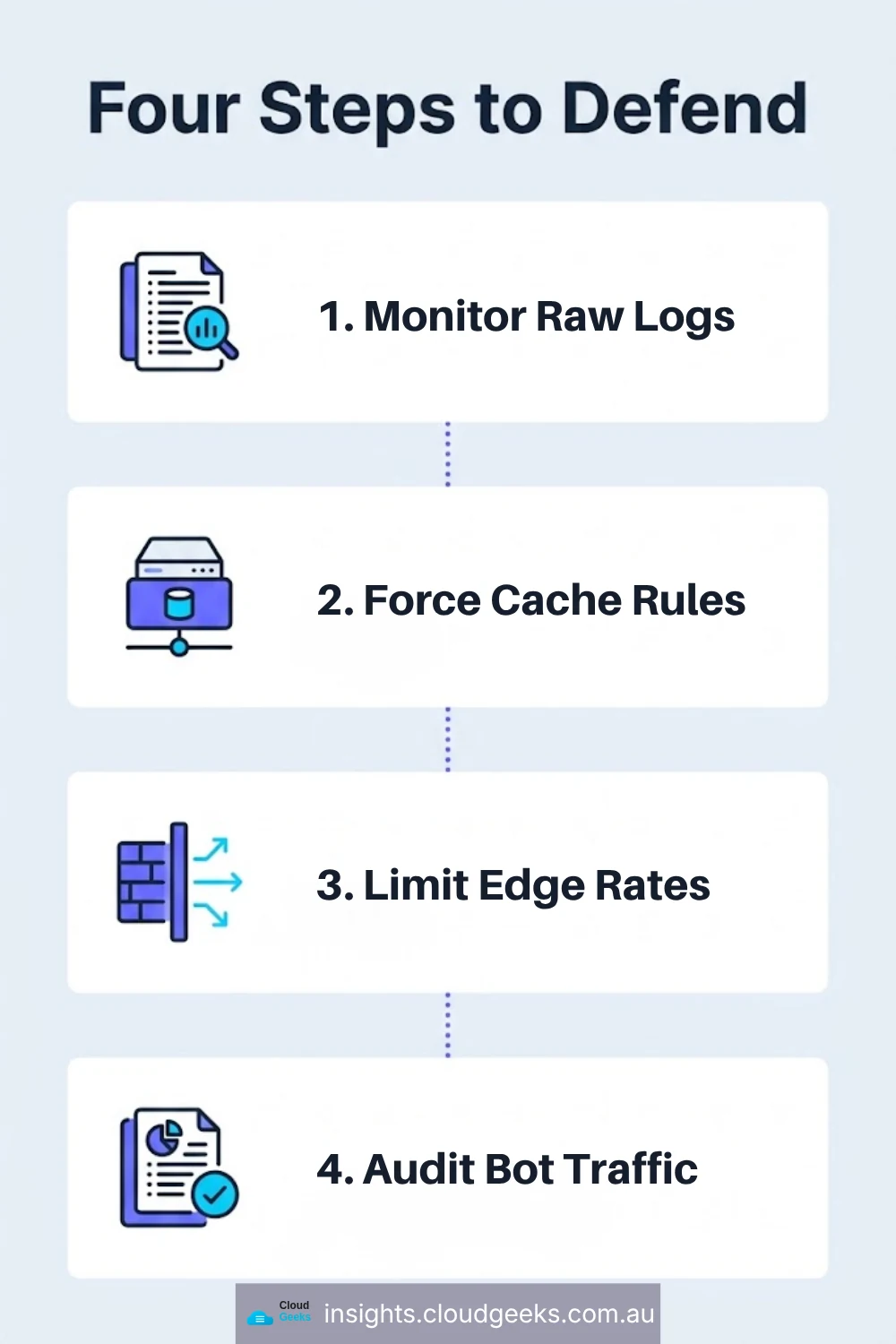
Find out what share of your traffic is automated. If your only measurement is GA4, you are seeing a filtered number with no indication of what was removed. A raw first-party log, or a comparison between two tools that filter differently, tells you more than either alone.
Check your cache hit rate. A low rate alongside high request volume usually means something is walking URLs no human requests.
Put a rate limit at the edge. Most managed hosts and every CDN worth using offers this — we compare the WAF options in our Sucuri firewall review. It is a ten-minute configuration and it is the single most effective control available.
Read the geography. If you sell in one city and most of your traffic is from three other countries, classify before you interpret. This is the cheapest sanity check there is.
Keep the bot rows, do not delete them. Flag automated traffic rather than discarding it. A dropped row is a number you can never audit, and if your classifier is too aggressive you will never find out.
Frequently asked questions
Do AI crawlers have to obey robots.txt? No. It is a voluntary standard with no enforcement mechanism. Well-behaved crawlers honour it; the ones generating unwanted load frequently do not.
Does bot traffic cost me money on managed hosting? Usually yes, indirectly. Plans are priced on visits or compute, and crawler requests that miss the cache consume PHP and database resources exactly as a real visitor would.
Should I block AI crawlers entirely? It depends on whether you want your content represented in AI answers. That is a commercial decision. The technical point is that blocking by user agent is weak; rate limiting and behavioural blocking are what actually hold.
Why do GA4 and my host’s analytics disagree? They apply different bot filters and neither publishes what it excluded. On one of our own properties the two differed by about 2.6×. Without a raw stream, there is no way to adjudicate between them.
What is the fastest thing I can do today? Add a request-rate limit at your CDN or host. It requires no knowledge of who is crawling you and takes about ten minutes.
CloudGeeks provides managed IT, cloud and cybersecurity services to Sydney businesses, including CDN configuration, caching strategy and traffic analysis. Web and SEO work sits with Cosmos Web Tech, mobile apps with Awesome Apps. All divisions of GTS.
Crawler behaviour observations reference Kinsta’s August 2026 engineering posts on AI crawlers and bot traffic costs. The traffic figures are our own first-party measurements.