Six Failures That Each Exited 0
Over ten days in August we hit six separate automated jobs that finished cleanly, reported success, and had done nothing. Not one of them raised an alert. Every dashboard was green.
We are writing them up because the pattern generalises well beyond our own pipelines, and because it is the single most common way we find businesses discovering — at the worst possible moment — that a system they trusted has been lying to them for months.
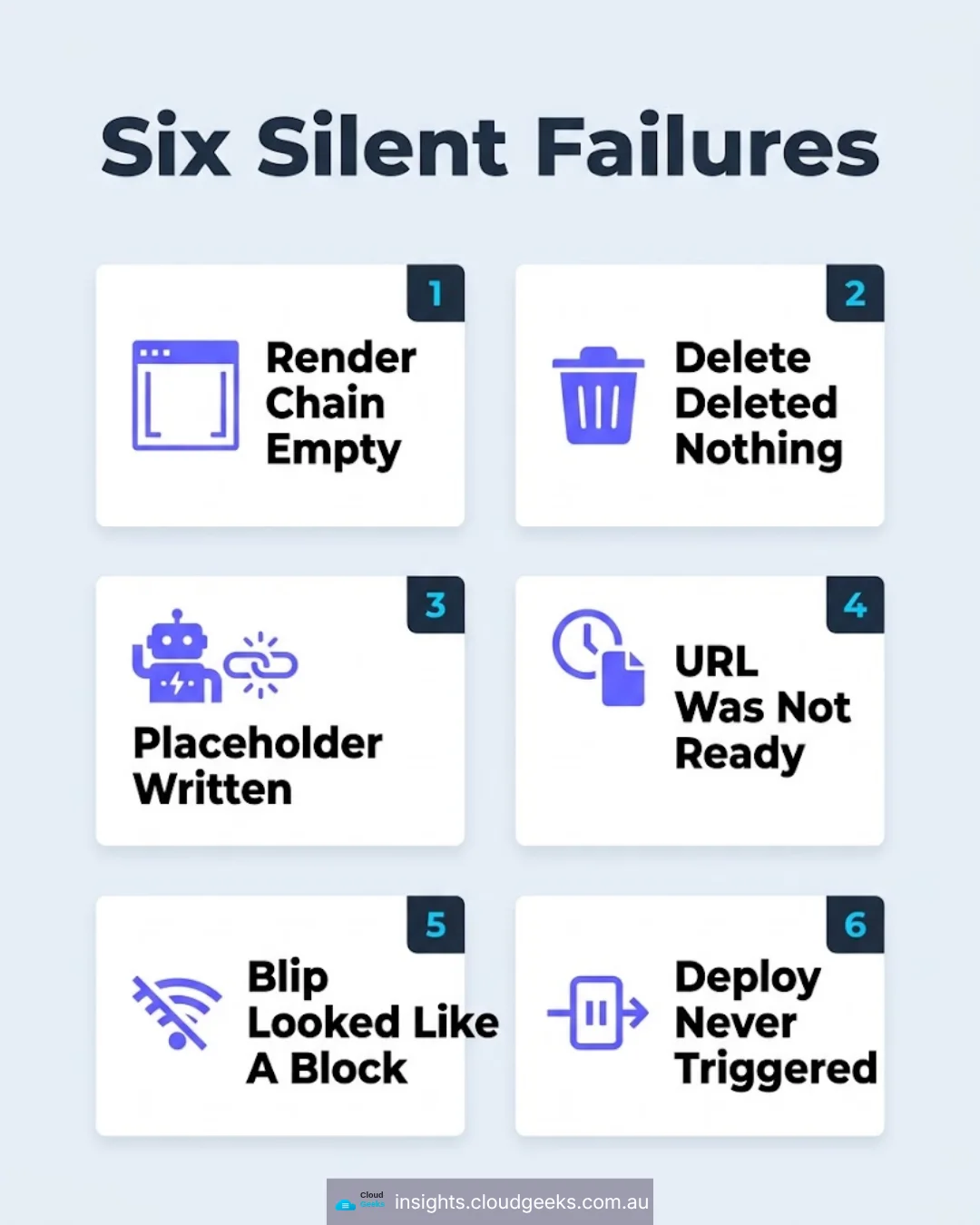
The six
1. A render chain that produced nothing. A video pipeline ran end to end and exited 0. Six stages inside it had failed. Each failure was caught by an error handler that logged a message and continued, on the reasonable-sounding basis that one bad stage should not kill the run. The result: a completed job, a success code, and no output.
2. A delete that deleted nothing. A cleanup routine called a hosting API, received a response, and reported the files removed. The API had accepted the request and rejected it downstream. The files were still there. The count in the log said otherwise.
3. A dead AI chain that exited 0. A content job called a language model provider. The provider returned an error. The job caught it, wrote a placeholder, and finished successfully. Downstream, everything treated the placeholder as real content.
4. A file that was not a video yet. A hosting service returned a URL as soon as the upload finished — but before the conversion had completed. The URL was valid. It resolved. It returned a five-second placeholder clip instead of the video. Three short videos published that placeholder to a live audience before anyone looked.
5. A network blip that looked like a policy decision. A text-to-speech call failed transiently. The failure surfaced downstream as a quality gate blocking three channels. We spent real time investigating a content problem that was, in fact, a dropped connection.
6. A deploy that never ran. A publishing workflow was configured to trigger on new commits. The commits were being pushed by an automated account, and the platform does not trigger workflows on pushes from automation by default. The site simply stopped updating. Nothing failed, because nothing ran.
Six different causes. One shared characteristic: the system’s own report of its health was cheerfully, confidently wrong.
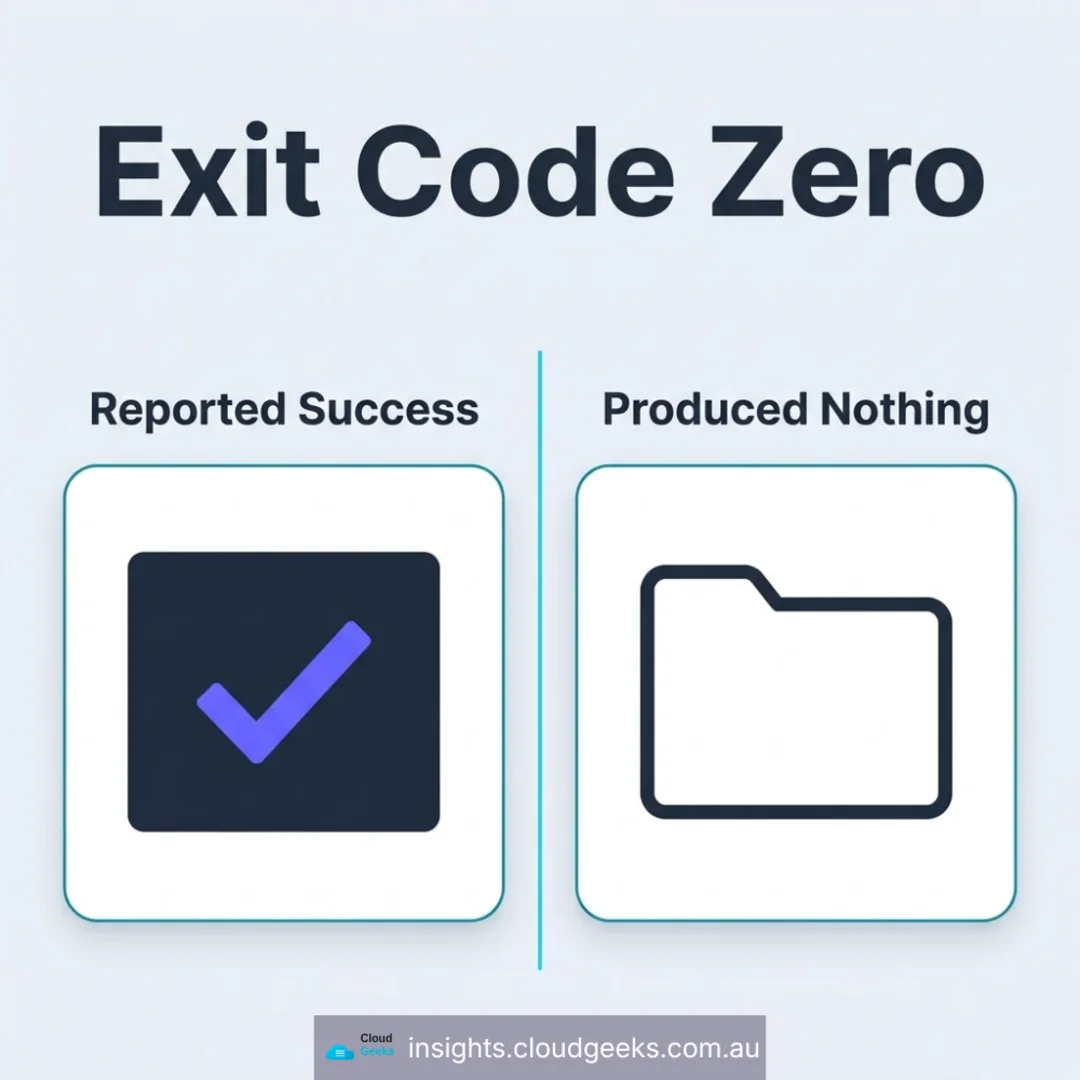
Why “it ran successfully” means almost nothing
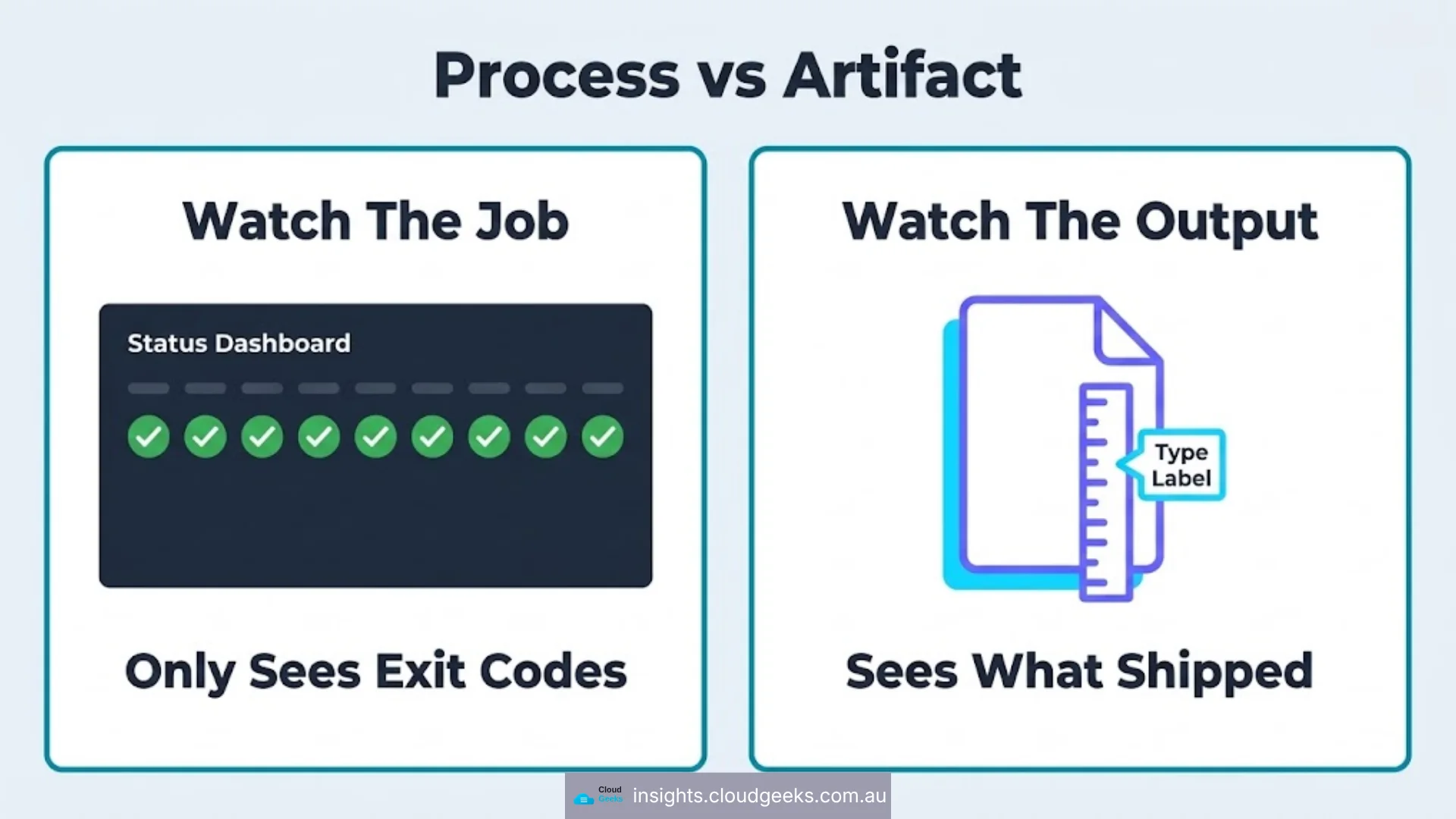
An exit code answers one question: did this process reach the end without crashing?
That is not the question anyone actually cares about. The questions that matter are:
- Did the output get created?
- Is it in the place the next step reads from?
- Is it the right kind of thing, not just the right size?
- If it replaced something, is the old thing gone?
An exit code answers none of those. Neither does “no errors in the log” — several of the failures above logged their errors dutifully, in a log nobody reads, while returning success to the thing that was watching.
The uncomfortable corollary for anyone running a business on automated systems: the more defensively a script is written, the more likely it is to fail silently. Every try/catch that swallows an error and carries on is a small decision that a partial result is better than a loud failure. Individually those decisions look like robustness. Stacked six deep, they produce a pipeline that cannot tell you it is broken.
The one that should worry you most
Failure 2 — the delete that deleted nothing — is the one with teeth, because the same shape shows up in the two systems SMEs depend on most.
Backups. Your backup job reports success. That means it ran. It does not mean the archive is readable, that it contains the databases you think it contains, or that anyone has ever restored from it. We have seen backup regimes with two years of green ticks and not one successful restore, because nobody ever tried.
Deletion and retention. If a system reports data as deleted and the data is still there, you have a privacy problem, not just a bug. Under the Australian Privacy Principles you are accountable for what you hold, and “our tooling said it was gone” is not a position you want to be defending.
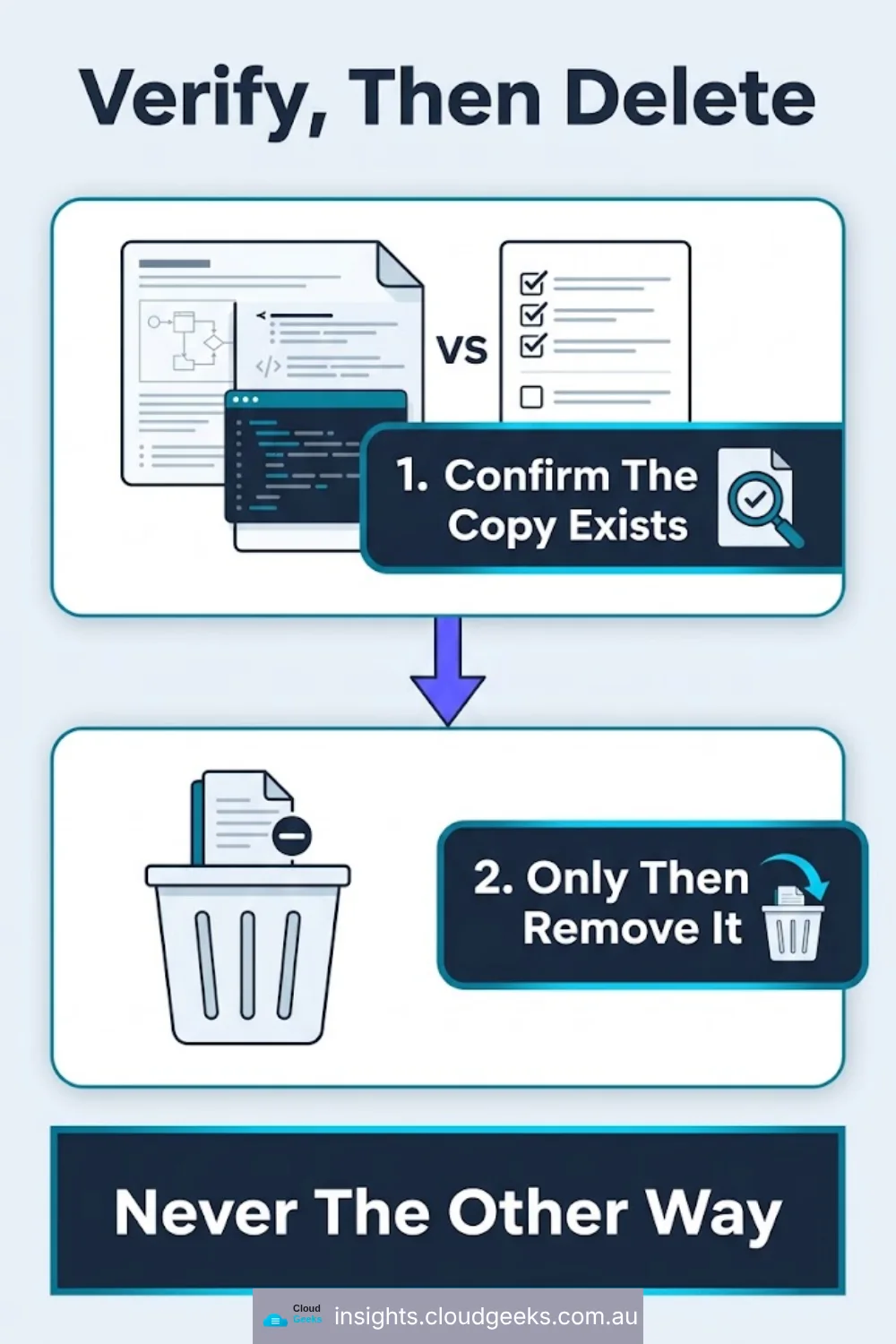
The rule we now apply everywhere, and had to learn the hard way, is deliberately awkward:
Verify, then delete — in that order.
Never delete the source until you have confirmed the copy exists, is the right size, and is readable. Not because the delete might fail — because it might report that it succeeded.
While we are on destructive operations: in the same fortnight we found a setup script that was still armed to wipe 29 live spreadsheet tabs. It was written for an empty environment months earlier, it had never been re-scoped, and it was one careless run away from doing exactly what it said on the tin. Bootstrap scripts should refuse to run against a populated system. Ours does now.
What to check on your own systems this week
You do not need new tooling for most of this. You need to change what you are asking.
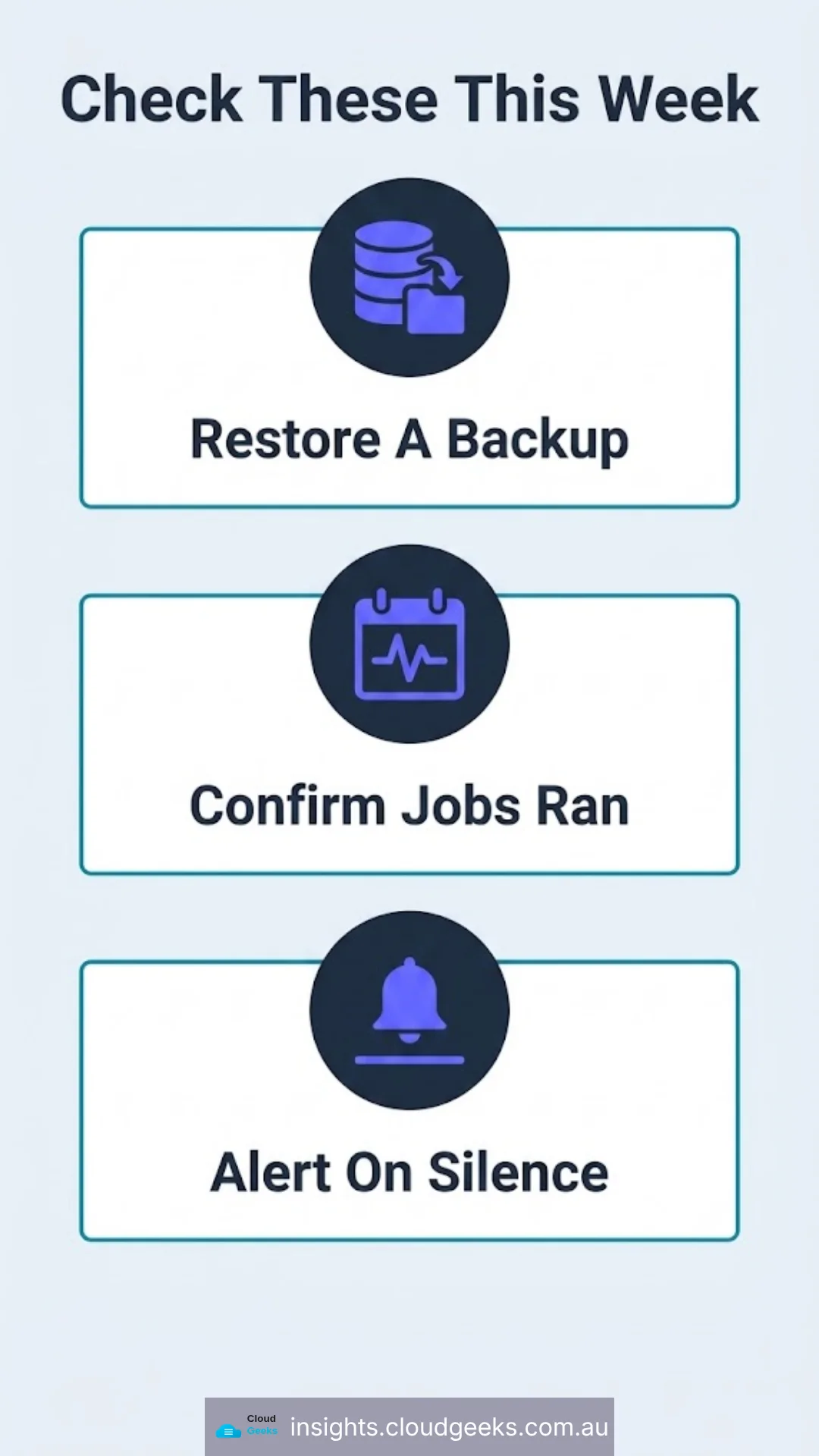
Test a restore, not a backup. Pick one backup from the last week. Restore it somewhere isolated. Open the data. Confirm it is what you expected and that it is current. If that has never been done, it is the highest-value hour available to you right now.
Check that your scheduled jobs actually ran recently. Not that they are configured — that they produced output with a recent timestamp. A job that stopped triggering three weeks ago looks identical to a healthy one on most dashboards, because the absence of a run is the absence of an alert.
Add a freshness check to anything that publishes. The most useful monitor is not “did the deploy succeed” but “is the live thing newer than the change”. That one check would have caught failure 6 the day it started.
Alert on silence, not just on errors. If a nightly job normally reports at 2am, an alert should fire when 3am arrives with nothing. Most monitoring only tells you about things that happened. The dangerous cases are things that did not.
Check what a partial result looks like. If your system can produce a placeholder, a truncated file, or a zero-byte output, something downstream should reject it by size or type. A five-second video where a sixty-second one belongs is easy to catch automatically and embarrassing to catch publicly.
The shift in mindset
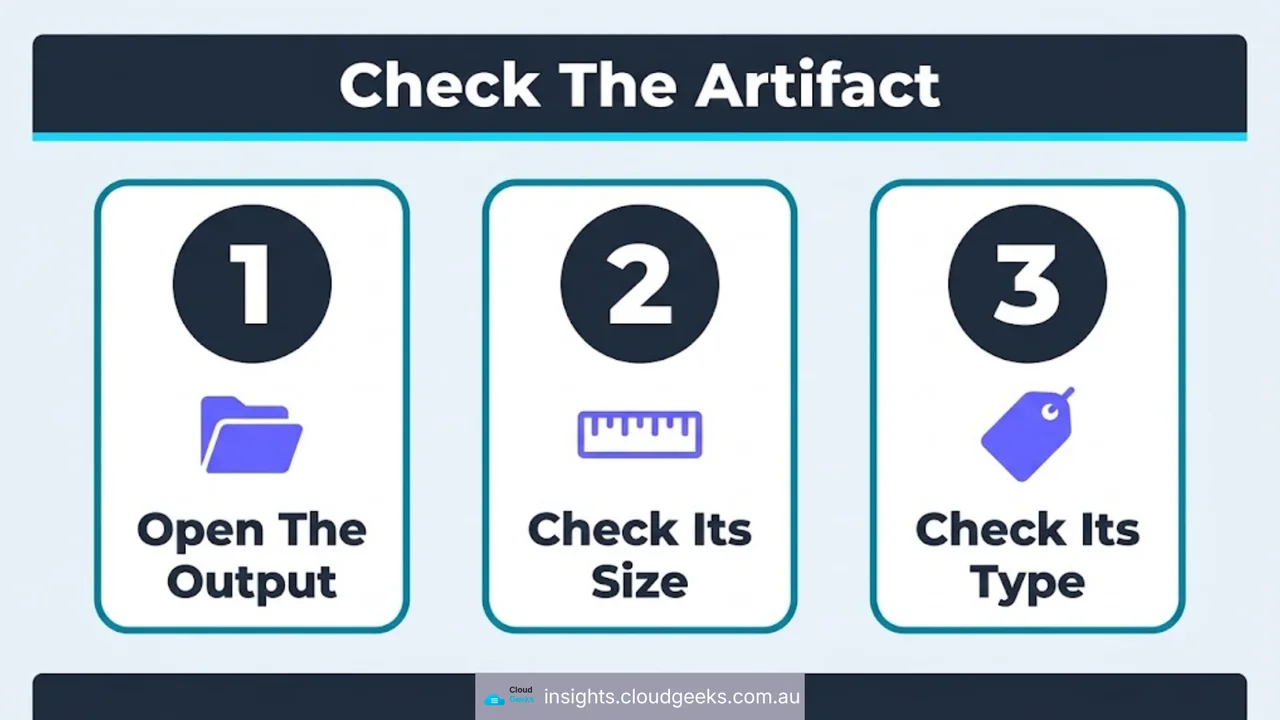
The engineering habit worth building is small and it is this: check the artifact, not the process.
Do not ask the job whether it worked. Look at what it produced, where it was supposed to end up, and whether it is the right shape. Every one of our six failures would have been caught by a check that opened the output instead of reading the exit code.
For a 20-seat Sydney business, the practical version is even simpler. Once a quarter, pick the three automated things you would be most upset to discover had stopped working — the backup, the offsite copy, the security patching — and verify each one by looking at its output rather than its status page.
It takes an afternoon. It is the cheapest insurance in IT.
Frequently asked questions
What is a silent failure? A failure where the system reports success. The job finishes, the exit code is 0, no alert fires, and the expected work did not happen.
Why do automated jobs report success when they fail? Usually because errors are caught and handled somewhere in the middle. Each handler makes a local decision to keep going, and the final result is reported on whether the process reached the end — not on whether it achieved anything.
How do I verify a backup is actually usable? Restore it to an isolated environment and open the data. A backup that has never been restored is an untested assumption, regardless of how many successful runs it has logged.
What is a freshness check? A monitor that compares the timestamp of what is live against the timestamp of the latest change. It catches the case where a deployment pipeline stops triggering, which normal error monitoring cannot see.
Should alerts fire when nothing happens? Yes. If a job runs nightly, absence of a report is itself a fault condition. Monitoring that only reacts to errors is blind to jobs that stopped running.
CloudGeeks provides managed IT, cloud and cybersecurity services to Sydney businesses — including monitoring that checks outcomes rather than exit codes. Web and SEO work sits with Cosmos Web Tech, mobile apps with Awesome Apps. All divisions of GTS.