
Growth Breaks Your Workflows Long Before It Breaks Your Servers
There is a failure pattern common to any business that ends up looking after a growing number of websites — agencies, franchise groups, multi-brand operators, anyone whose one site became eleven.
The assumption is that the next constraint will be technical. More sites, more traffic, more load; at some point you will need bigger servers.
That is almost never what happens. The servers cope fine. What breaks first is that every task is still performed by hand, once per site, by someone holding the whole system in their head.
What the breakage actually looks like
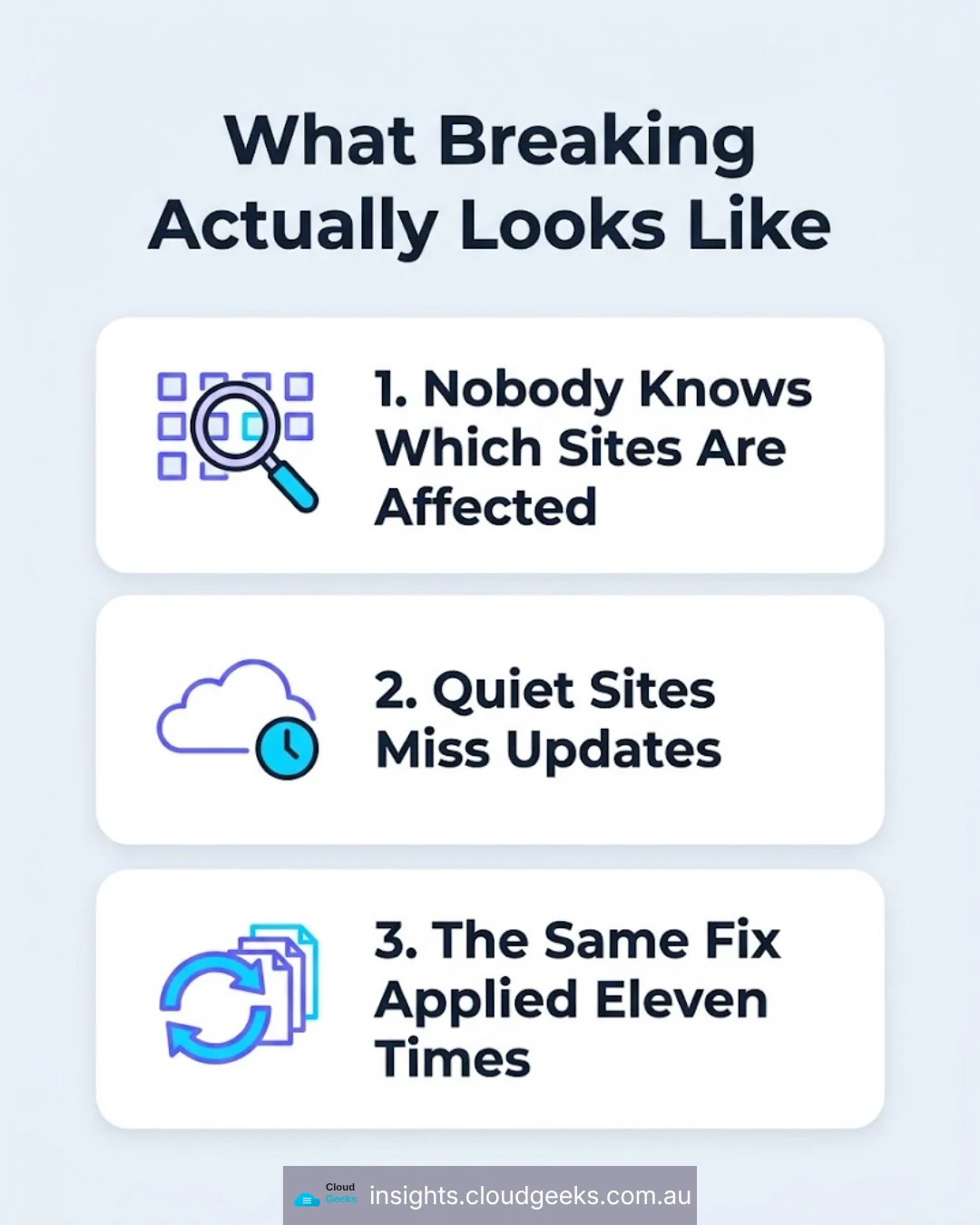
It rarely announces itself. It shows up as a set of symptoms that each look like an isolated annoyance:
Nobody can say which sites are affected. A vulnerability is disclosed in a plugin. Answering “do we run that, and where” means opening dashboards one at a time. By the time you have the list, an hour is gone — and that hour was inside the exploitation window.
Updates get skipped on the sites nobody logs into. Not deliberately. The busy sites get attention because someone is in them anyway; the quiet ones drift, and the quiet ones are where compromises are found six months later.
The same fix is applied eleven times. A configuration change, a legal page update, a tracking script. Each one is ten minutes, and each one is an opportunity to do it slightly differently or forget a site entirely.
Everything depends on one person. Which sites are on which host, which client owns which domain, which of them has the unusual staging arrangement. This is the symptom that turns a scheduled holiday into a risk.
Nobody can prove the backups work. Backups are configured everywhere and verified nowhere, because verifying eleven backups by hand is a day’s work nobody has scheduled.
None of these are infrastructure problems. Adding capacity fixes none of them.
The threshold is lower than people expect
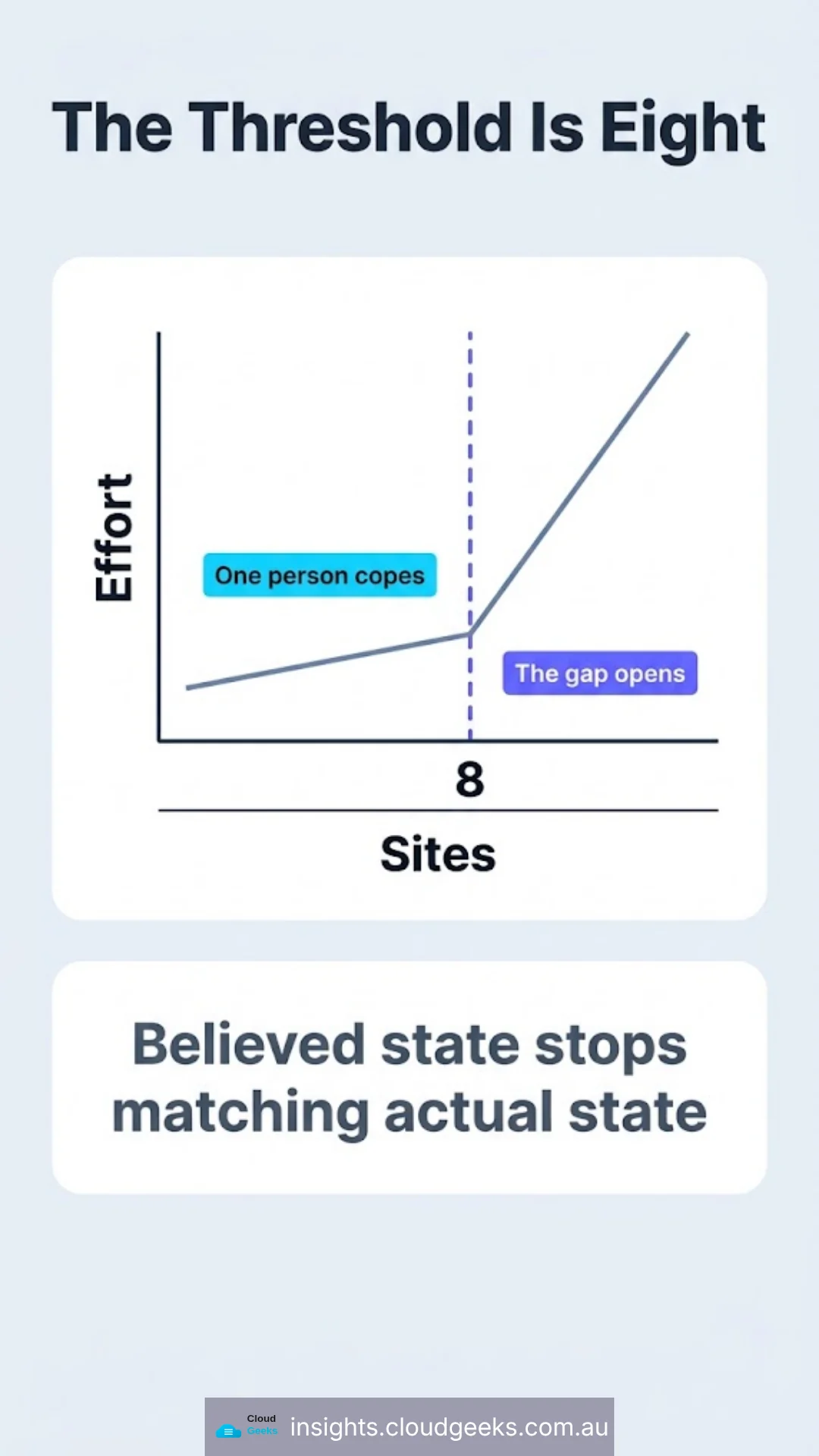
The number where manual work stops scaling is not fifty sites. It is closer to eight.
Below eight, one person can hold the whole picture and manual is genuinely more efficient than building systems. Above it, the mental model starts failing quietly: you still believe you know the state of everything, and you have started being wrong occasionally without noticing which occasions.
That gap — between believed state and actual state — is where the expensive surprises live.
What replaces it, in the order worth doing
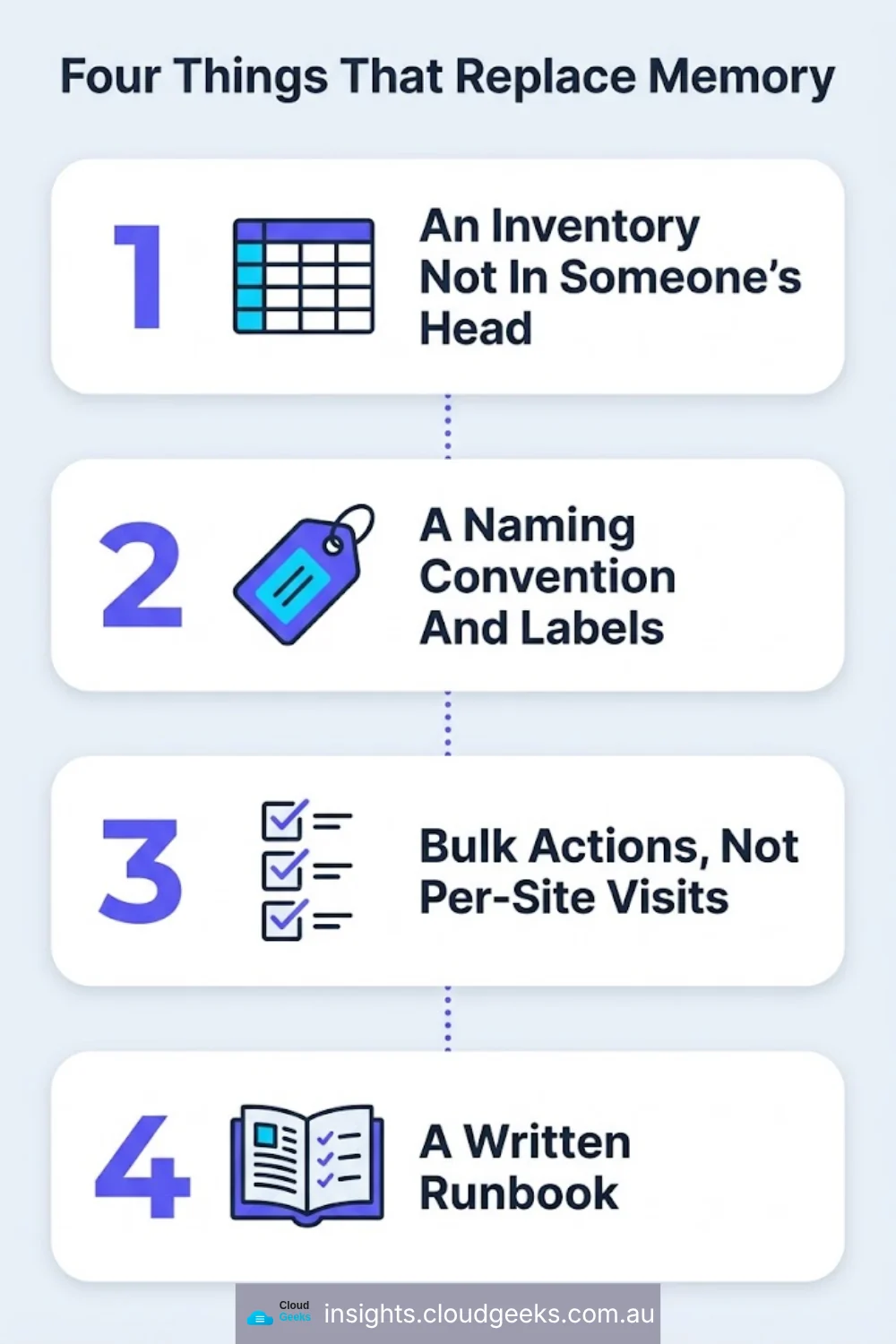
You do not need a platform team. You need to convert the four most repeated tasks from memory into records.
1. An inventory that is not in someone’s head. Every site, its host, its domain registrar and expiry, its plugins and versions, who owns it, and where its backups go. A spreadsheet is completely adequate. The test is whether someone else could answer “are we affected” from it while the first person is on leave.
This is the foundation. Every other item on this list is more valuable once it exists, and most security tooling is less useful without it.
2. A naming convention and labels. Sounds trivial. It is the difference between a management dashboard you can filter and a list of thirty similar names you scan visually. Group by client, by host, by criticality — whatever you actually sort by when something goes wrong.
3. Bulk actions instead of per-site visits. Most management platforms support updating, scanning or backing up across a selection of sites in one operation. If you are not using that, you are paying for the platform and doing the work manually anyway.
4. A written runbook for the three most common jobs. Onboarding a new site. Applying a security patch across the estate. Restoring a site from backup. Each of these is currently in someone’s head, performed slightly differently each time, and impossible to hand over.
Writing them down is not bureaucracy. It is what makes the task delegable, and delegable is what “scaling” actually means at this size.
The check that tells you where you are
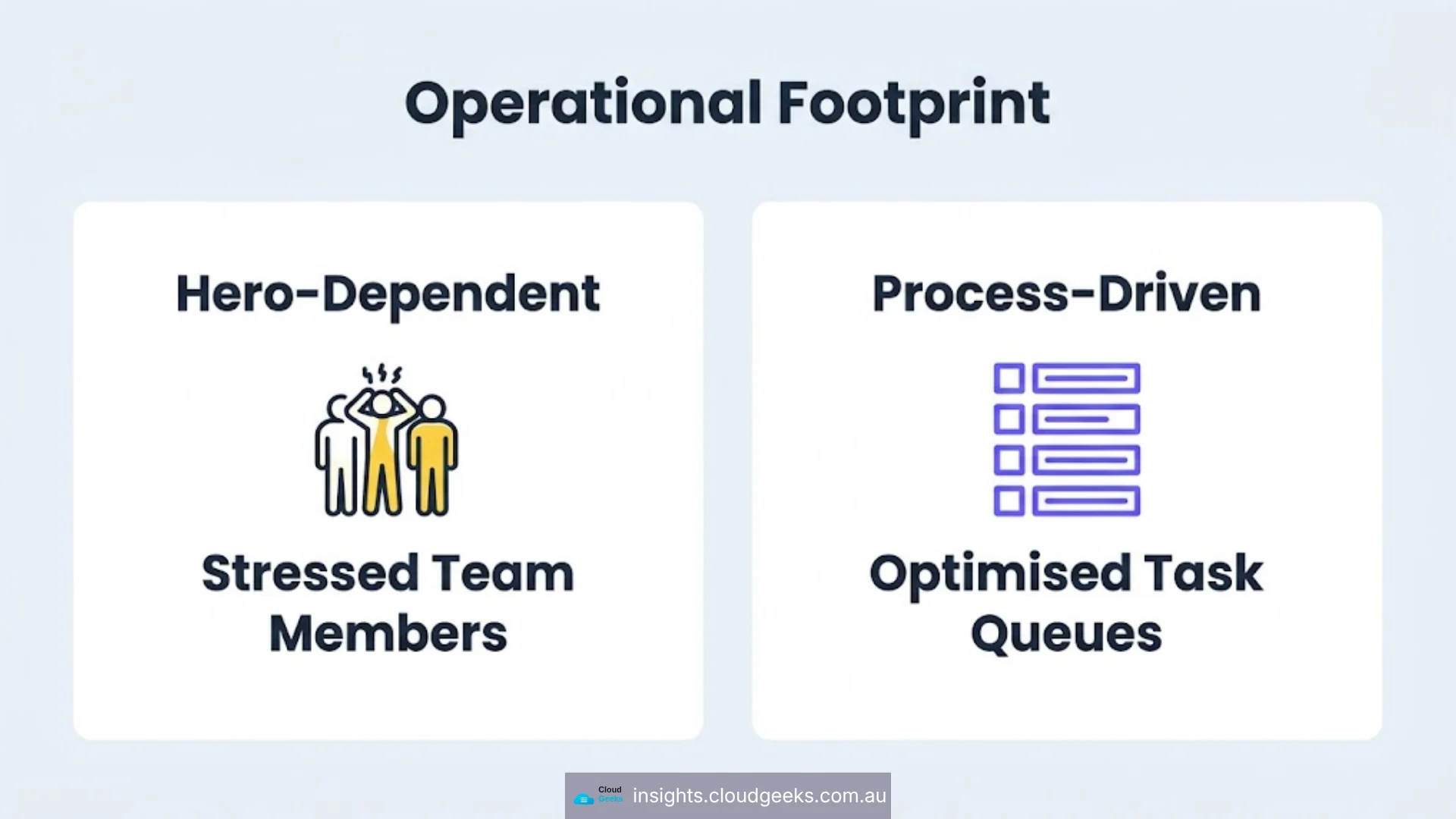
One question, and answer it honestly: if the person who manages your websites were unavailable for two weeks, what would degrade?
If the answer is “nothing much, the documentation covers it” — you have systems.
If the answer involves a phone call to that person while they are on holiday, you have a person doing the work of a system. That is fine at four sites and expensive at fifteen.
Where automation genuinely helps, and where it does not
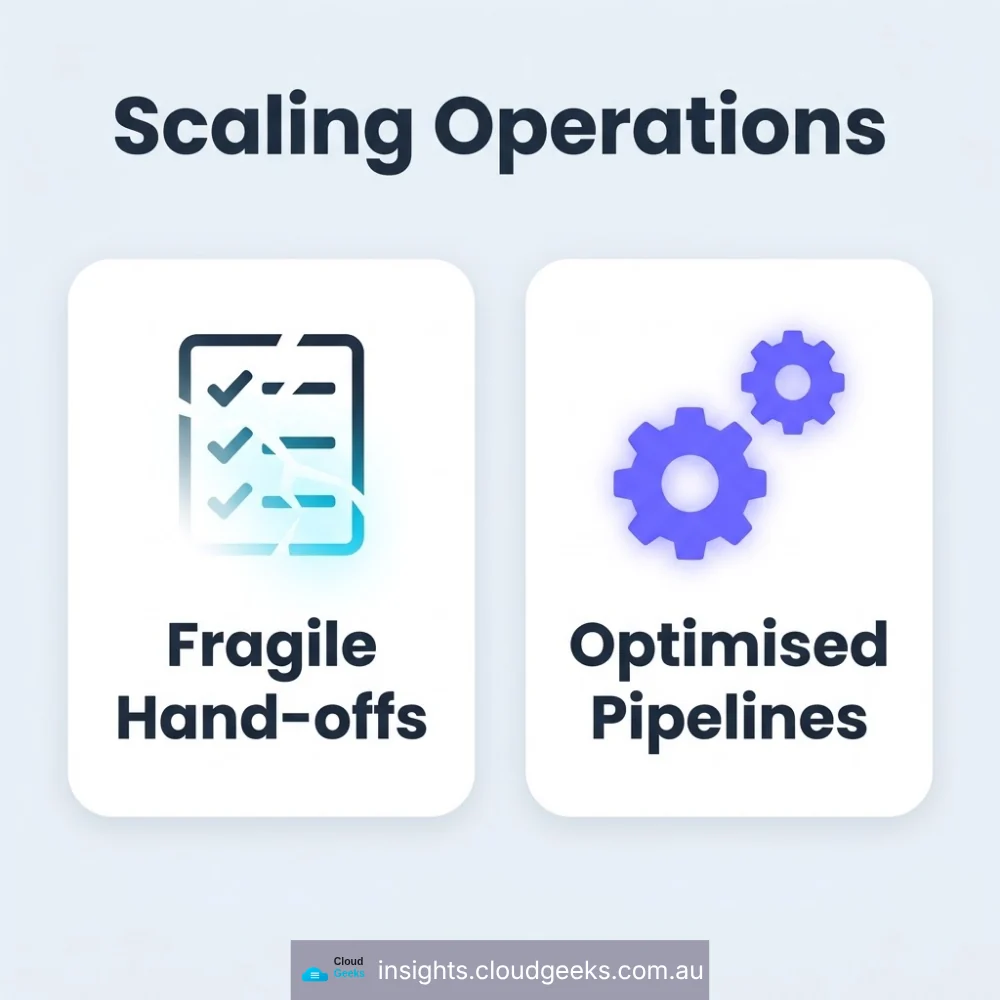
The current wave of tooling — management platforms exposing AI-queryable interfaces, bulk operations, scheduled visual checks after updates — is real and useful. Asking one question and getting an answer assembled from every site is a genuine improvement over opening thirty dashboards.
But it inherits the same precondition as everything else here: automation applied to an undocumented estate automates an undocumented estate. If the inventory is wrong, faster answers are faster wrong answers.
Two cautions from our own operations, learned the expensive way:
Verify outputs, not job status. A bulk update that reports success on eleven sites has told you it ran. Whether the sites still work afterwards is a separate question requiring a separate check — and a scheduled visual comparison after updates is worth more than another green tick.
Alert on silence. A scheduled task that stops triggering looks identical to a healthy one on most dashboards, because absence of a run is absence of an alert. If a nightly job normally reports at 2am, something should fire when 3am arrives with nothing.
Where to start this week
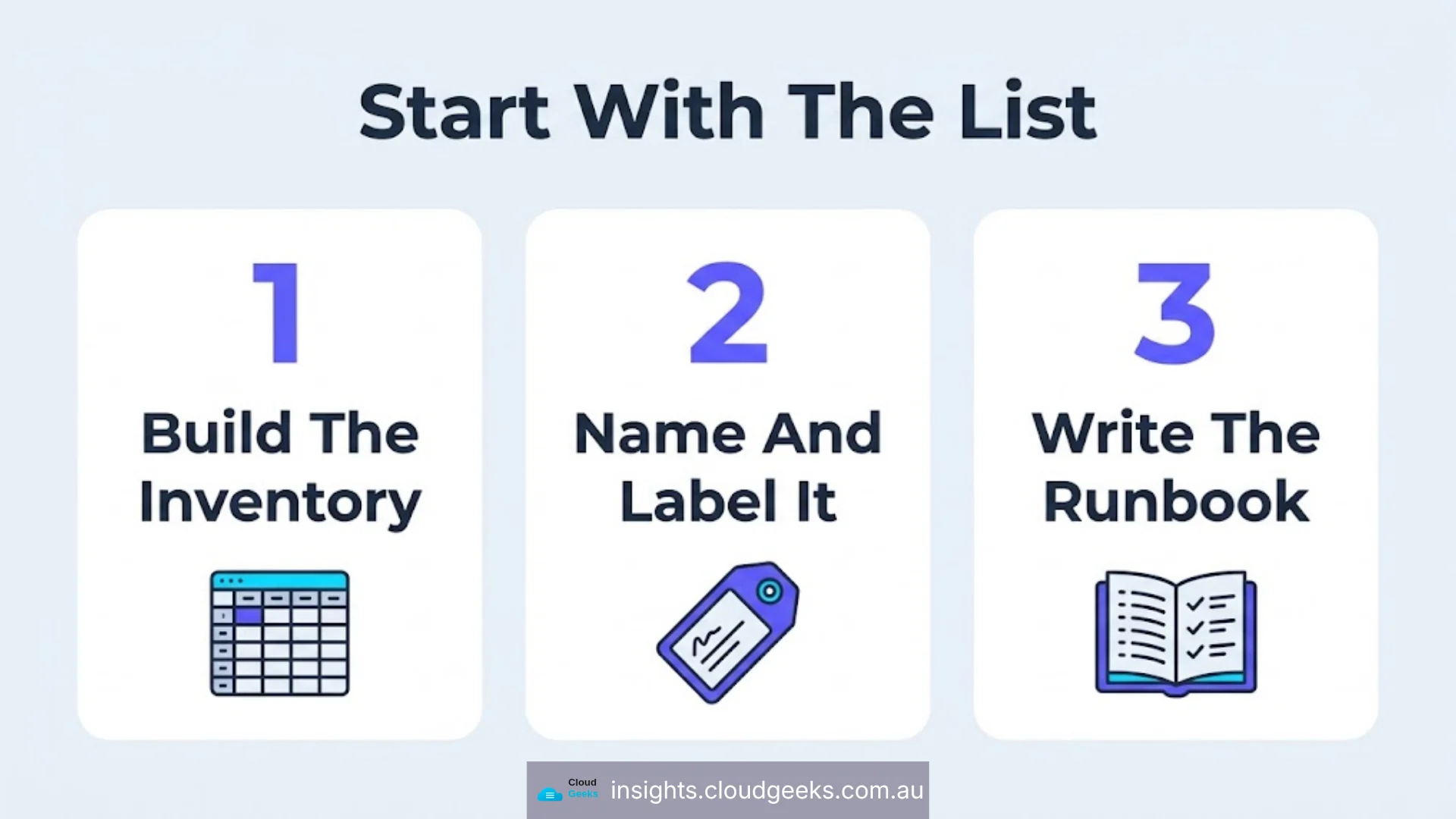
Build the inventory. Not the automation, not the tooling — the list.
It takes an afternoon for a typical estate, it is the thing every other improvement depends on, and it is the single artefact that converts “we think we know” into “we can check”.
Frequently asked questions
At how many sites does manual management stop working? In our experience around eight. Below that, one person can hold the state reliably. Above it, the gap between believed state and actual state starts widening without anyone noticing.
What should a site inventory contain? Site, host, domain registrar and expiry, plugin list with versions, owner, backup destination, and any non-standard arrangement. The test is whether a colleague could use it to answer a question while you are away.
Is AI-based site management worth adopting? For portfolios above roughly ten sites, yes — for questions. Start read-only, confirm the answers match reality, and grant the ability to make changes only once it has proved itself and its actions are logged.
How do we verify backups across many sites without spending a day on it? Sample rather than exhaust. Restore one site per month on rotation. Twelve verified restores a year is vastly better than an annual promise that all of them work.
What breaks first when a business grows past manual management? Knowing what you have. Every other failure in this article is downstream of not being able to answer “which sites are affected” quickly and correctly.
CloudGeeks provides managed IT, cloud and cybersecurity services to Sydney businesses, including multi-site WordPress estate management. Web and SEO work sits with Cosmos Web Tech, mobile apps with Awesome Apps. All divisions of GTS.